
A phone can work when the platform supports it
Many remote notarization sessions can be completed on a modern smartphone. The decisive factors are platform compatibility, a reliable browser or app, a clear camera, working audio, and a stable connection—not simply the age of the phone.
Set up for a smoother session
- Charge the phone and connect to dependable Wi-Fi or strong cellular service.
- Allow camera and microphone access only for the secure platform.
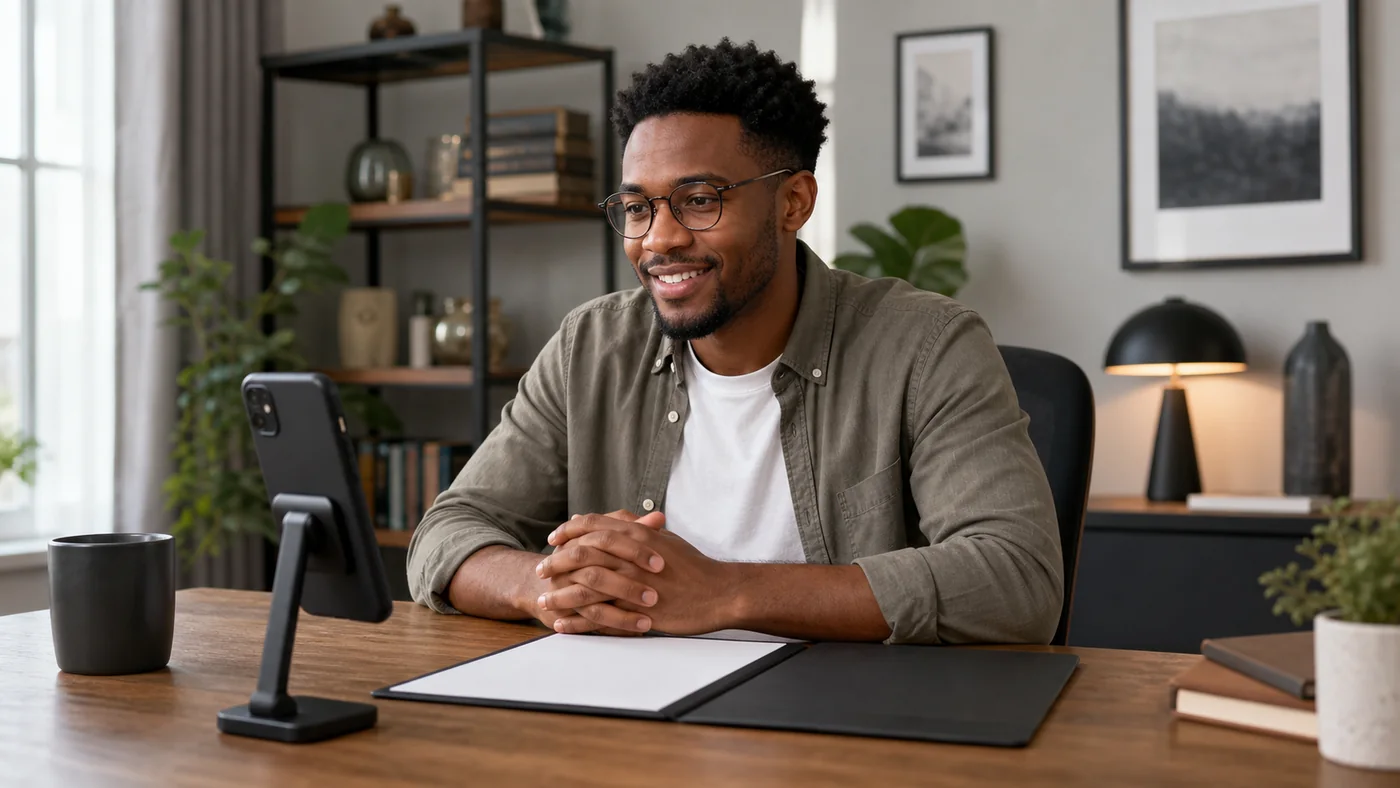
- Use a stand or stable surface so the image does not shake.
- Choose bright, front-facing light and avoid a window behind you.
- Keep your email available without closing the session.
- Use a larger device if the document is long or text is difficult to review.
Know when to switch devices
A computer or tablet may be easier when the document has many pages, the platform requires side-by-side review, accessibility settings are needed, or the phone repeatedly drops the session. Switching devices does not change the identity or notarial requirements.
Frequently asked questions
Can I use a borrowed phone?
A device you control is preferable. You must be able to access the secure link and complete the identity steps privately.
Can I join from a moving car?
No. Use a safe, stationary, private location with consistent audio and video.
Will every phone work?
No. Compatibility depends on the platform, operating system, browser, permissions, and connection.